 | 7.2.1.2.8 Photo Frame Style Frames for photo thumbnailas and full-size photos can be chosen from a few ready-to-use border styles.
When choosing frames, photo-frame styles are possible to preview in the small window with a scroll bar:
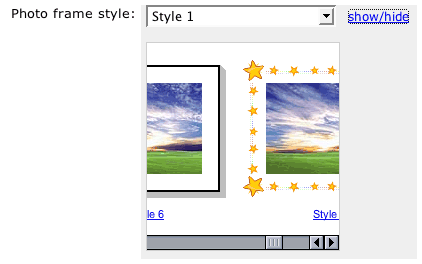
To select a photo frame style:
- Open the frame-preview window using the "show/hide" button next to the "Photo frame style" field.
- Choose a border you like using the horisontal scroll bar and klick on the style preview itself or on its title.
- The frame-style title will be displayed in the "Photo frame style" field. Also, it is possible to select a a frame right in the drop-down menu.
The photo frame style you set through this form applies only to the current album.
Written on 2005-01-20 08:53:12 and updated on 2005-09-21 11:36:18. | | |